CHUWI AuBox X: Compact AI Mini PC for OpenClaw
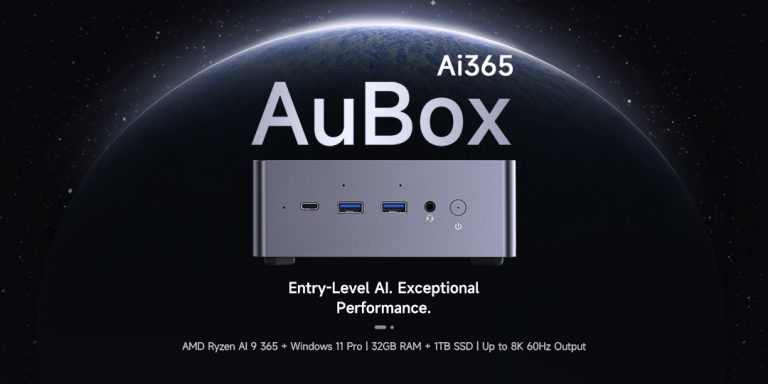
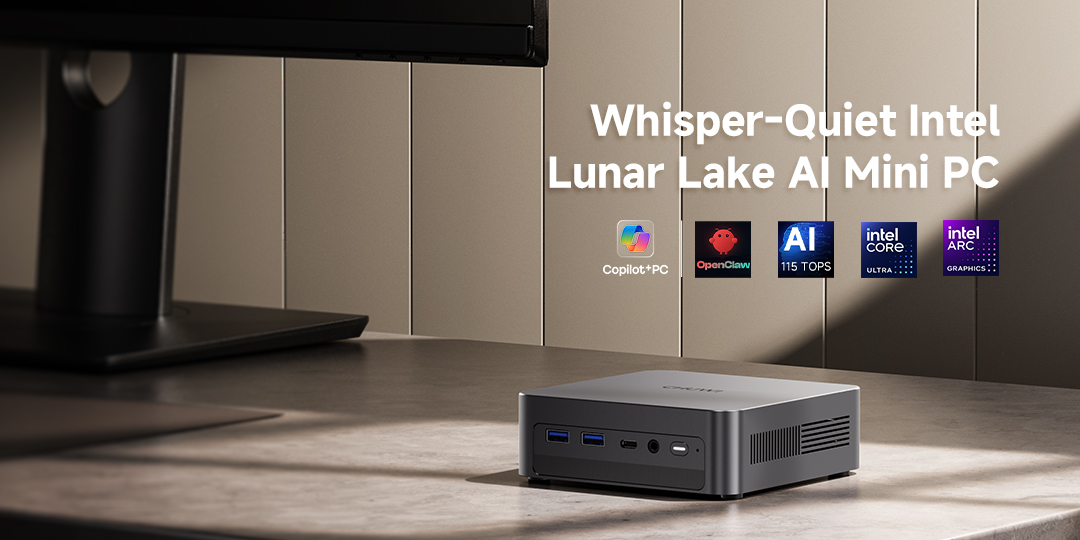
Looking for a compact, high-performance mini PC that can handle daily computing and AI tasks with ease? The CHUWI AuBox X delivers the perfect balance of power, portability, and AI capabilities, making it ideal for students, developers, and AI creators. With Intel Core Ultra processors, a dedicated NPU, and a compact 0.67L footprint, it’s designed to handle OpenClaw smoothly and quietly, 24/7, right on your desk or hidden behind a monitor.
What is OpenClaw?
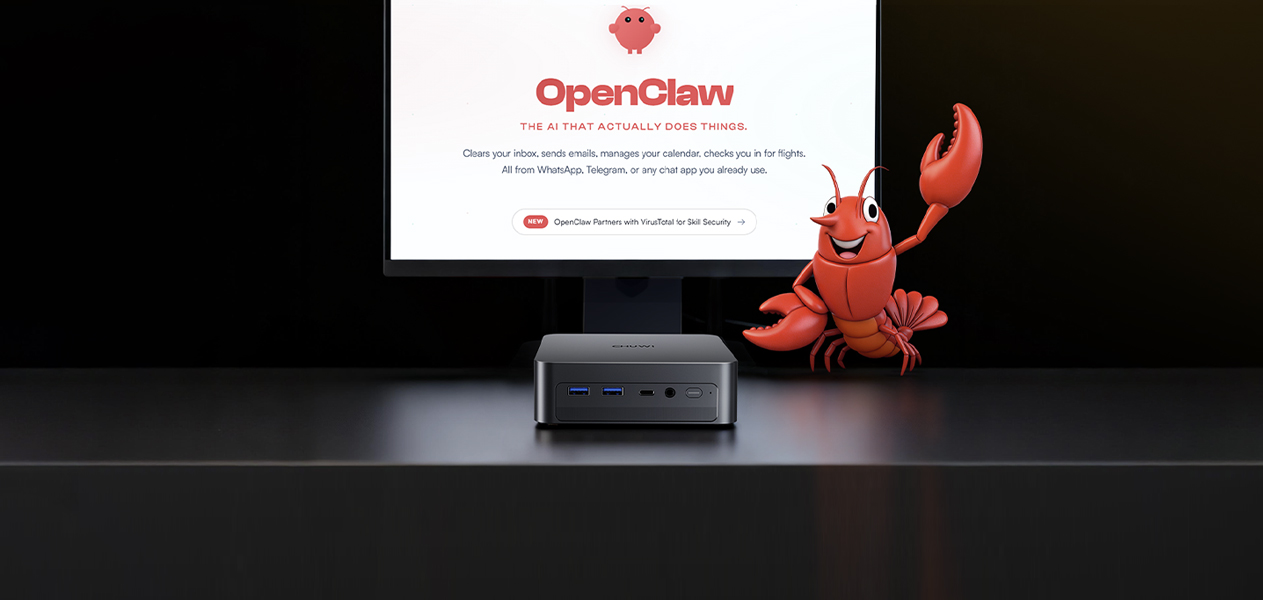
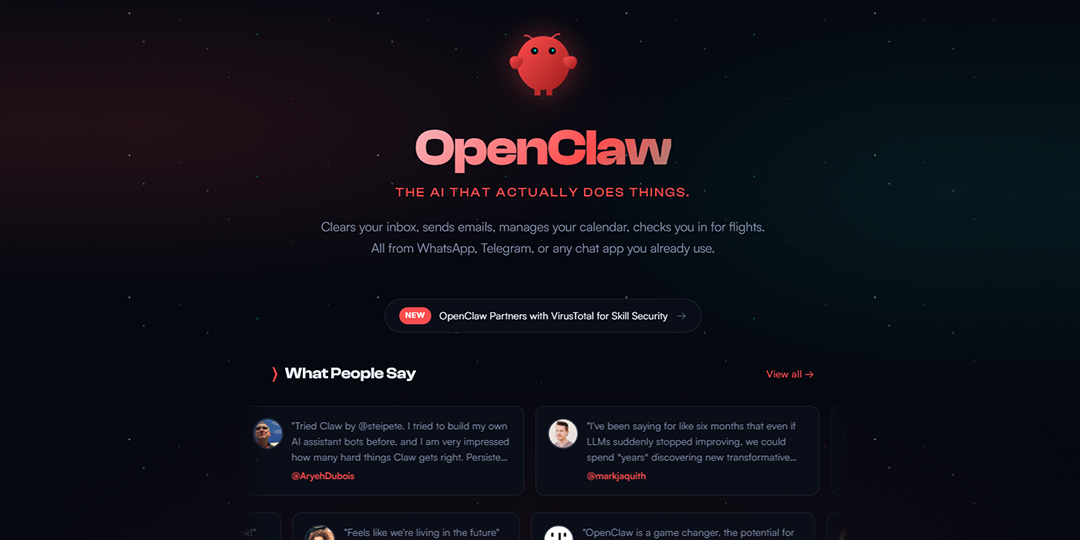
OpenClaw is a popular open-source AI assistant that runs locally, managing your inboxes, calendars, and team chats automatically. It operates in the background, indexing messages, monitoring notifications, and routing important items to you or paired models like ChatGPT for follow-through.
For smooth performance, 16GB of RAM is recommended, providing enough headroom for multiple accounts, indexing, and additional lightweight AI agents. If you plan to run sidecar tools like RAG pipelines, transcription, or lightweight LLMs, 24GB–32GB RAM ensures extra stability.
Key Mini PC Specs for OpenClaw
-
Memory: 16GB minimum; more for heavy indexing or multiple AI agents.
-
Storage: At least 512GB NVMe SSD for mail metadata, logs, and app data.
-
CPU & Thermals: OpenClaw benefits from efficient multi-core bursts. Mobile-class CPUs in mini PCs balance performance with low heat. Target systems with proven cooling and noise under 40 dB.
-
Networking: Reliable Ethernet preferred for 24/7 operation, but Wi-Fi 6/6E works if cabling is limited.
-
High-Speed I/O: Keep at least one high-speed port (Thunderbolt/USB-C or USB-A 10 Gbps) for external storage or backups.
Setup Tips for a Reliable 24/7 OpenClaw Agent
-
Create a dedicated user profile for OpenClaw with least-privilege tokens.
-
Rotate keys and enable device encryption.
-
Optimize uptime: auto-login, restart after power loss, small UPS for power interruptions.
-
Keep OS and firmware updated. On Windows, disable modern standby; on macOS, enable Power Nap while preventing sleep.
The bottom line: For a quiet, efficient, and always-on OpenClaw setup, mini PCs like the CHUWI AuBox X hit the sweet spot between price, memory, and performance.
Why Choose CHUWI AuBox X for OpenClaw?
As the Apple Mac Mini runs short of stock, this budget-friendly AI PC could be a great choice.
-
Compact Design — Ultra-small 0.67L footprint fits anywhere
-
Powerful Performance — Intel Core Ultra-powered AI PC capable of running OpenClaw smoothly
-
Flexible Connectivity — USB4, HDMI 2.1, DP, 2.5Gb Ethernet, and more for displays, external GPUs, and peripherals
-
Easy Setup — Quick OpenClaw installation without extra configuration
Small Form Factor, Big Performance
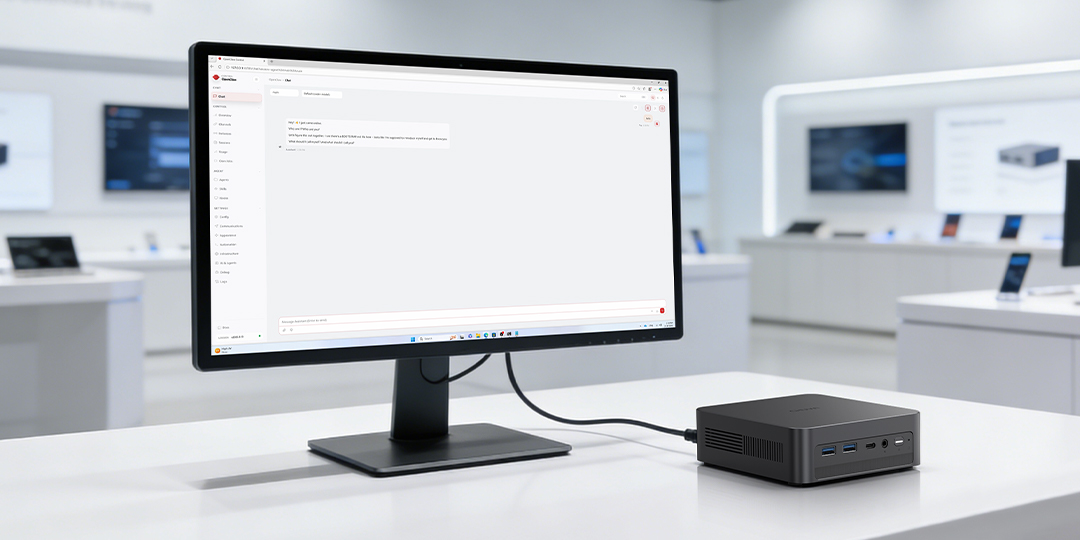
Despite its ultra-compact design, the CHUWI AuBox X delivers impressive performance with Intel Core Ultra processors, up to 115 TOPS AI compute, and efficient power management. Perfect for AI tasks, programming experiments, and automation projects, it’s quiet, reliable, and desk-friendly.
OpenClaw Compatibility — Automation Made Easy
Pre-installed with Windows 11 Pro, the AuBox X runs OpenClaw smoothly and efficiently. You can install OpenClaw either directly on Windows or via WSL, depending on your workflow.
Whether you’re exploring educational projects or automation experiments, the AuBox X handles it all with ease. Step-by-step setup guides ensure you can get started quickly and effortlessly, making it one of the best mini PC for OpenClaw.
Extensive Connectivity for Maximum Flexibility
Multiple ports make it easy to expand your workspace:
-
USB4 & USB 3.2 Gen 2 / 3.2 Gen 1 — fast external drives and eGPU support
-
HDMI 2.1 & DisplayPort 1.4 — triple-display setups up to 8K@60Hz
-
2.5Gb Ethernet & Wi-Fi 6E — low-latency network for continuous operation
The AuBox X ensures your AI workflow scales without hardware limitations.
Frequently Asked Questions
Q1: Can CHUWI AuBox X run OpenClaw 24/7?
A: Yes. With efficient cooling and low power consumption, the AuBox X is designed for 24/7 continuous operation.
Q2: Does OpenClaw require a GPU?
A: No. CPU + NPU is sufficient for indexing and automation tasks.
Q3: Is 16GB RAM enough for OpenClaw?
A: Yes for basic use; 24–32GB is recommended for RAG or multiple agents.
Q4: Can I install OpenClaw on Windows without WSL?
A: Yes. Both native Windows and WSL setups are supported.
Conclusion
Whether you’re a student developer, or automation professional, the CHUWI AuBox X with OpenClaw support delivers a compact, high-performance AI mini PC that makes complex projects manageable, efficient, and fun.
Subscribe to CHUWI AuBox X today to get notified when pre‑order goes live and experience seamless AI performance with OpenClaw! It will be available for preorder in early April.
About CHUWI
Founded in 2004, CHUWI is a global technology brand dedicated to designing and manufacturing innovative laptops, tablets, and mini PCs that combine performance, portability, and affordability. Guided by the philosophy of “Smart Technology, Smart Life,” CHUWI focuses on delivering reliable, high-quality devices that enhance productivity, creativity, and everyday computing experiences. In recent years, the company has expanded its portfolio to include AI PCs and Copilot+ PCs, bringing advanced processing power and intelligent capabilities to modern users. With products sold worldwide, CHUWI continues to make cutting-edge technology more accessible to customers around the globe. Learn more at www.chuwi.com.